How to set up a Roku Solar Panel with your Roku Battery Camera
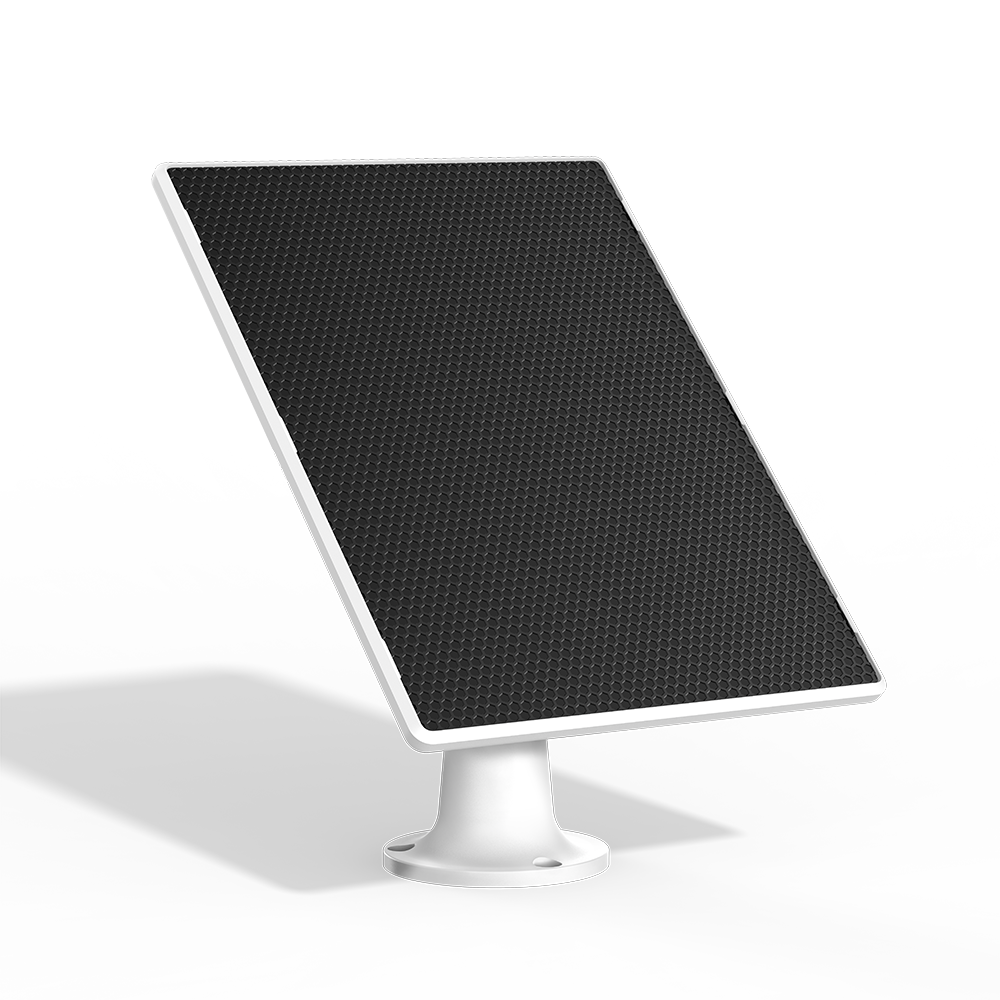
The Roku Solar Panel with USB-C ensures your Roku Battery Camera and Battery Camera Plus (SCB11R/SCB12R) stay continuously charged in any weather, eliminating the need to bring it indoors for recharging. Mount the panel, adjust it for optimal sunlight using the 360° swivel, connect it to your camera, and enjoy an uninterrupted view of the outdoors.
What you need for setup
In addition to your Roku Solar Panel and included accessories you will need the following.
- Roku Battery Camera/Battery Camera Plus: First, set up your Roku Battery Camera.
- Phillips screwdriver: You will need a Phillips screwdriver to install and mount your solar panel.
- Drill and drill bit: If the mounting surface is soft or unstable, use a 5/32 inch drill bit to drill a hole in the wall and then insert the included wall anchor.

Note: The Roku Solar Panel with USB-C is only compatible with the Roku Battery Camera/Outdoor Camera Plus (SCB11R/SCB12R).
Set up your solar panel
Refer to the Quick Start Guide that was included with your solar panel for detailed instructions on assembling, mounting, and connecting your solar panel.
Tips for positioning your solar panel
Your Roku Solar Panel needs at least a few hours of direct sunlight to keep your Roku Battery Camera charged. Your solar panel comes with a 360° swivel mount that allows you to position your solar panel where it will get maximum sun. Avoid placing your solar panel anywhere that gets shady during the day.
- Put in a sunny spot. Find the area that gets the most direct sunlight throughout the day.
- Angle the solar panel up. Angle the solar panel upward 30°.
- Point it south. in the northern hemisphere, this will give you the most sunlight.
Troubleshooting your solar panel installation
If your Roku Solar Panel is not working as expected, first make sure your sure solar panel is connected to your Roku Battery Camera and then check potential causes of slow charging.
Confirm the solar panel is connected
Open the silicone cover on the back of the camera to access the USB port. The USB-C cable from the solar panel should be plugged firmly into the USB port at the bottom of the camera. Ensure the connection fits snugly. A charging  icon will appear next to your Roku Battery Camera in the Roku smart home mobile app when there is sufficient sunlight.
Solar panel is not charging fast enough
The following may cause your solar panel not to charge your outdoor camera fast enough.
- Solar panel is dirty. Wipe the face of the solar panel with a soft, damp cloth regularly to clear any dust and debris.
- Frequent camera use. Viewing the live stream, recording events, and receiving event notifications wake up your camera and cause your camera battery to drain.
- Not enough sun exposure. Review the tips previously provided in this article to help your solar panel get more sunlight.
Last updated at 2/25/2026 9:20:04 PM
Was this article helpful?
Related articles
Need more help?
