Why do I see “Soundbar not Roku certified” on my Roku TV™?
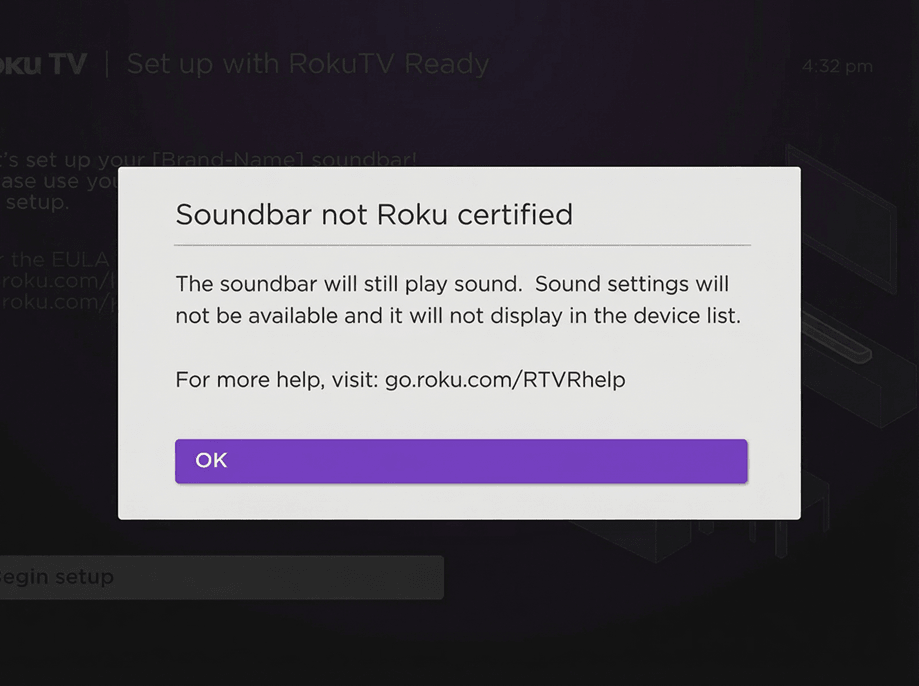
HDMI® is well known for its ability to deliver audio and video over a single connection, but it also includes a couple lesser-known features called HDMI-CEC and ARC. Your Roku TV uses these features to communicate with other devices and learn about their capabilities. If a soundbar is connected to your Roku TV, but it is not Roku TV Ready™ certified, the message "Soundbar not Roku certified" may appear.
Why do I see the message with my Roku TV Ready soundbar?
If you see the "Soundbar not Roku certified" message when connecting your Roku TV Ready soundbar, be sure to check that your Roku TV is running Roku OS 9.3 or higher.
Your Roku TV is designed to ensure it is always running the latest version of software. It will check to see whether new software is available for download during initial setup and whenever it is powered on, and then randomly every 24-36 hours. The download and installation are done automatically without ever interrupting use of your Roku TV. To receive automatic updates, make sure your Roku TV is connected to the internet.
If your Roku TV has been disconnected for an extended period of time, you can have it manually check for a software update.
How to tell if your soundbar is certified
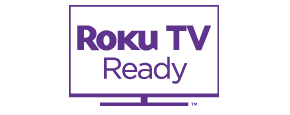
To determine if your soundbar is Roku TV Ready certified, look for the certification logo (see below) on the original packaging or user manual, or visit the product details page on the manufacturer's website.
Learn more in the detailed article about Roku TV Ready products.
Last updated at 2/25/2026 5:21:12 AM
Was this article helpful?
Related articles
Need more help?
