How to know if you have a Roku TV or a Roku branded TV
Roku makes its own TVs and also partners with other TV brands to create Roku TV models. All Roku TVs are smart TVs with Roku built in, which means you don’t need extra devices to stream. A Roku player, like a Roku Streaming Stick®, is a separate device that connects to your TV’s HDMI port to stream.
If you're not sure which TV you own, this article will help you determine if you have a Roku TV or a Roku-branded TV and which company manufactured it.

Tip: You can also compare features between the current lineup or go to the product finder page for guided help selecting the right Roku streaming device.
How do I know if I have a Roku TV?
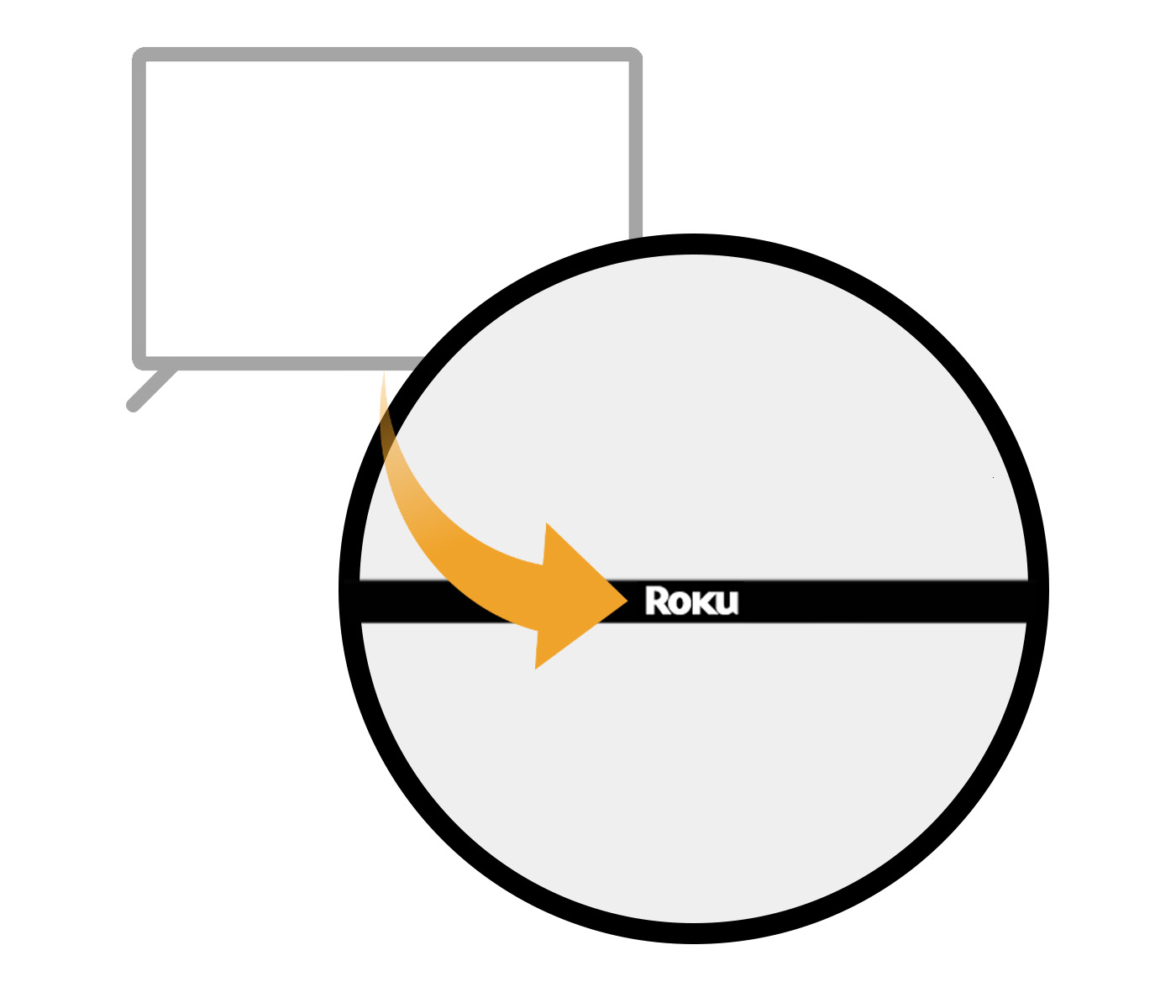
Roku-branded TVs: Roku logo on the bottom center
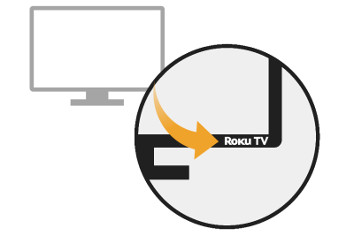
Other Roku TV brands: Manufacturer’s name on the front, plus a Roku TV logo in the right-hand corner.
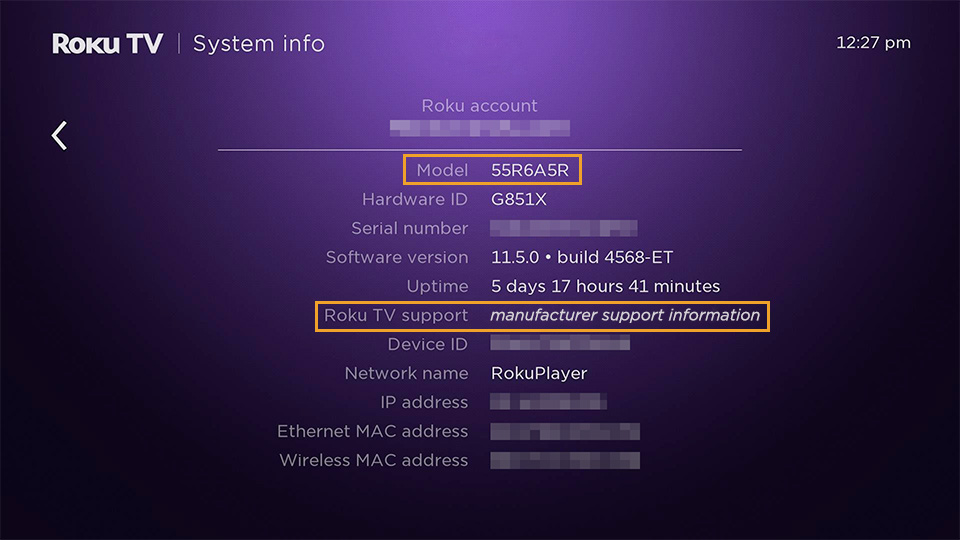
Check the settings:
- Press Home
 on your Roku remote
 - Go to Settings > System > About.
- Look for:
- Model – shows your Roku model number.
- Roku TV support – shows the TV maker’s contact info.
Last updated at 3/3/2026 1:33:22 AM
Was this article helpful?
Related articles
Need more help?
