What to do if the red light is on or you see a “Your device is overheating” message
It is important to follow best practices to help avoid your Roku player from overheating. Learn how to keep your device from overheating, and what to do if it gets too hot.
How to prevent overheating
- Keep your device cool: Do not place your Roku player near high temperatures, high humidity, or direct sunlight.
- Ventilation is important: Make sure your device isn't covered, and choose a location that isn't enclosed. Do not place your player on a soft surface.
- Avoid stacking devices: Do not stack other items or electronic devices on top of your Roku player.

Note: It is normal for your Roku player to feel warm to the touch. This is by design and not a cause for concern unless you see the warning below.
What to do if your Roku player overheats
In rare cases, you might still see a warning message about high temperature or notice a solid red light on your Roku device. If this happens, your player is too hot. A warning message that says, Your device is overheating will appear in the corner of the screen.
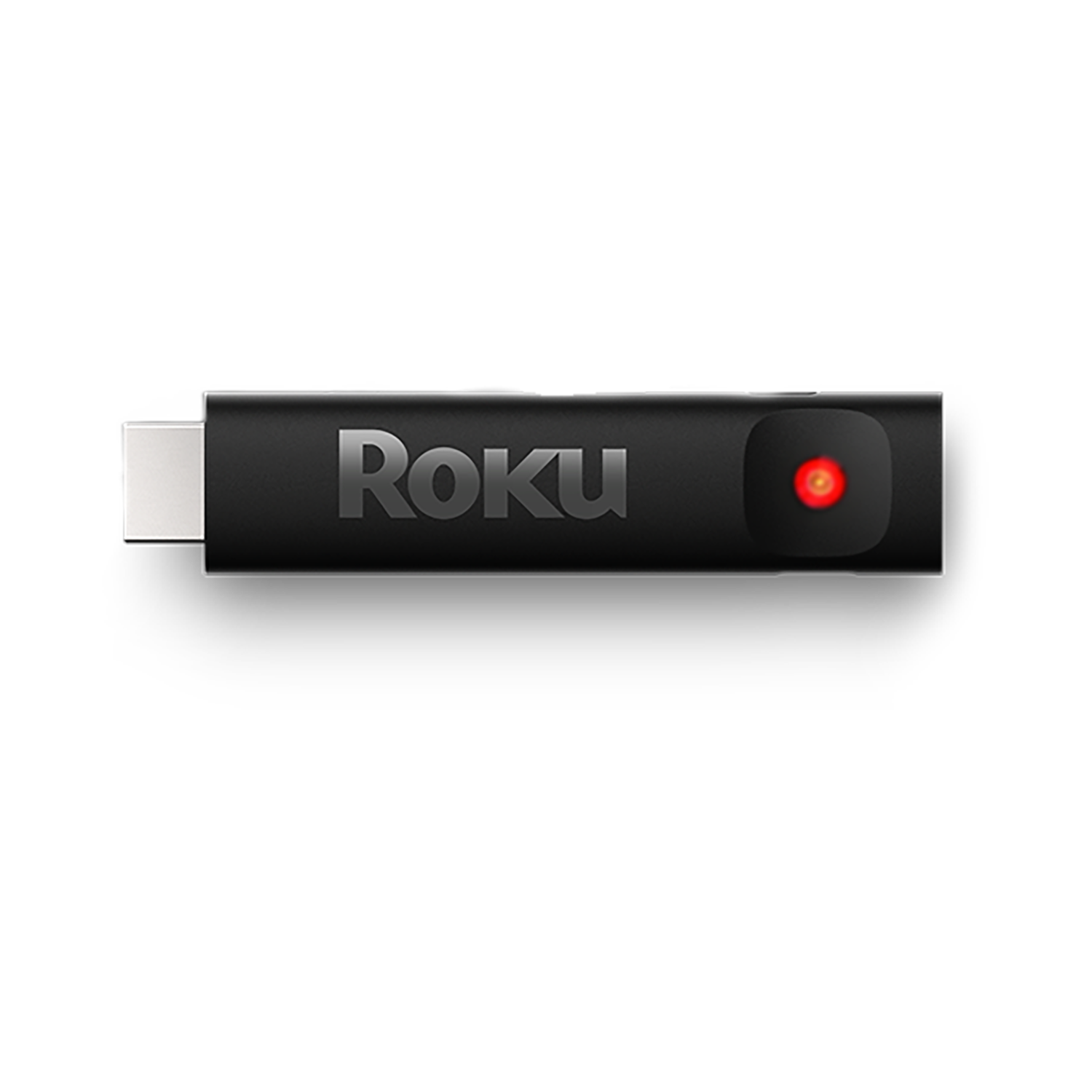
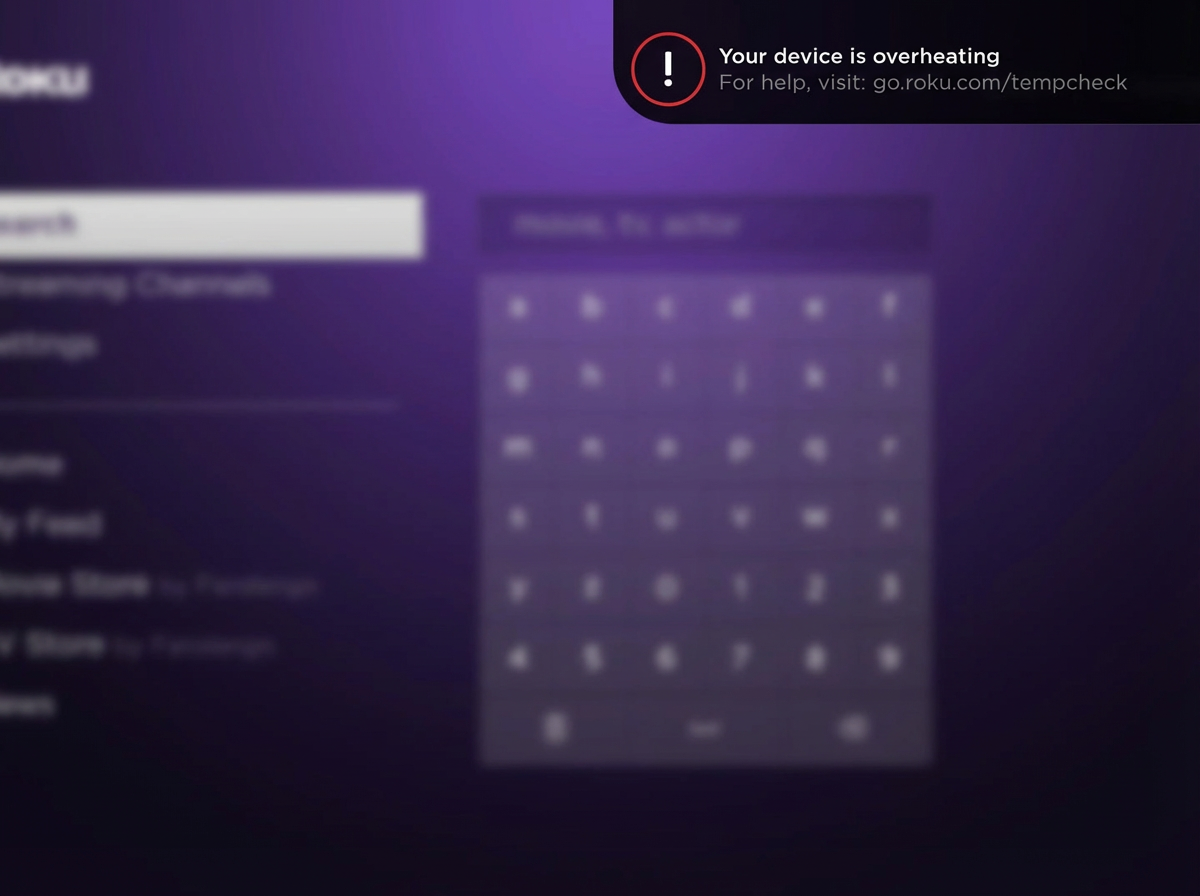
WARNING: Be careful! The unit may be hot.
- Carefully unplug the power cable from your Roku device and allow it to cool down.
- Follow the instructions above and place your Roku player in a well-ventilated area to prevent overheating.
- Wait at least 10 minutes for your Roku device to cool down. Once cooled, plug the power cable back in and wait for the player to power-on. If you still see the above message, or the Roku device still shows a SOLID RED LIGHT, then immediately unplug the power cable.
- Repeat steps 2 and 3 one more time. If the problem persists, then you should stop using your Roku device. Contact Roku support for assistance.
Note: If the RED LIGHT IS FLASHING, your Roku device has insufficient power; refer to: go.roku.com/lowpower
HDMI extender for Roku Streaming Stick
If your Roku Streaming Stick is overheating, you can try installing a free HDMI extender to help move it away from the back of your TV.
Last updated at 2/25/2026 3:15:05 AM
Was this article helpful?
Related articles
Need more help?
