There are two ways to unsubscribe from Roku® marketing emails—through the email itself or your Roku account. You can always resubscribe to Roku marketing emails if you change your mind.

Note: You’ll keep getting important transactional emails from Roku, such as information about purchases, payments, password changes, etc.
Unsubscribe through the Roku email
- Open a recent Roku marketing email
- Go to the footer at the bottom of the email
- Select Unsubscribe
- This will take you to a confirmation page

Unsubscribe through your Roku account
- Sign in to my.roku.com
- Select Email communications
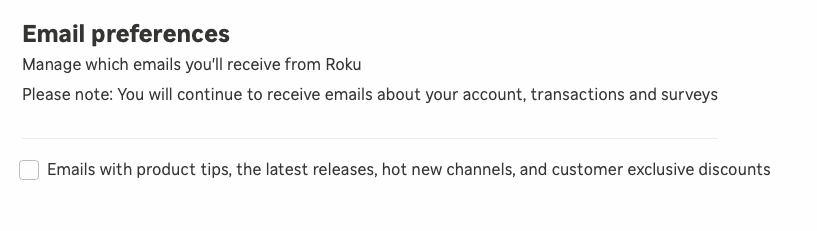
- Uncheck the box under Email preferences to unsubscribe
- Anytime you want to resubscribe, just recheck the box
Last updated at 2/18/2026 3:18:06 AM
Was this article helpful?
Related articles
Need more help?
