The Roku TV Wireless Soundbar adds powerful, rich sound to your Roku TV™ without messy cables or a complicated setup. Just connect the power cable and pair it with your Roku TV. The soundbar works with streaming apps, live TV, and devices like Blu-ray™ players or cable boxes. You can also connect Bluetooth devices like smartphones and tablets to play music or podcasts, even when the TV screen off.
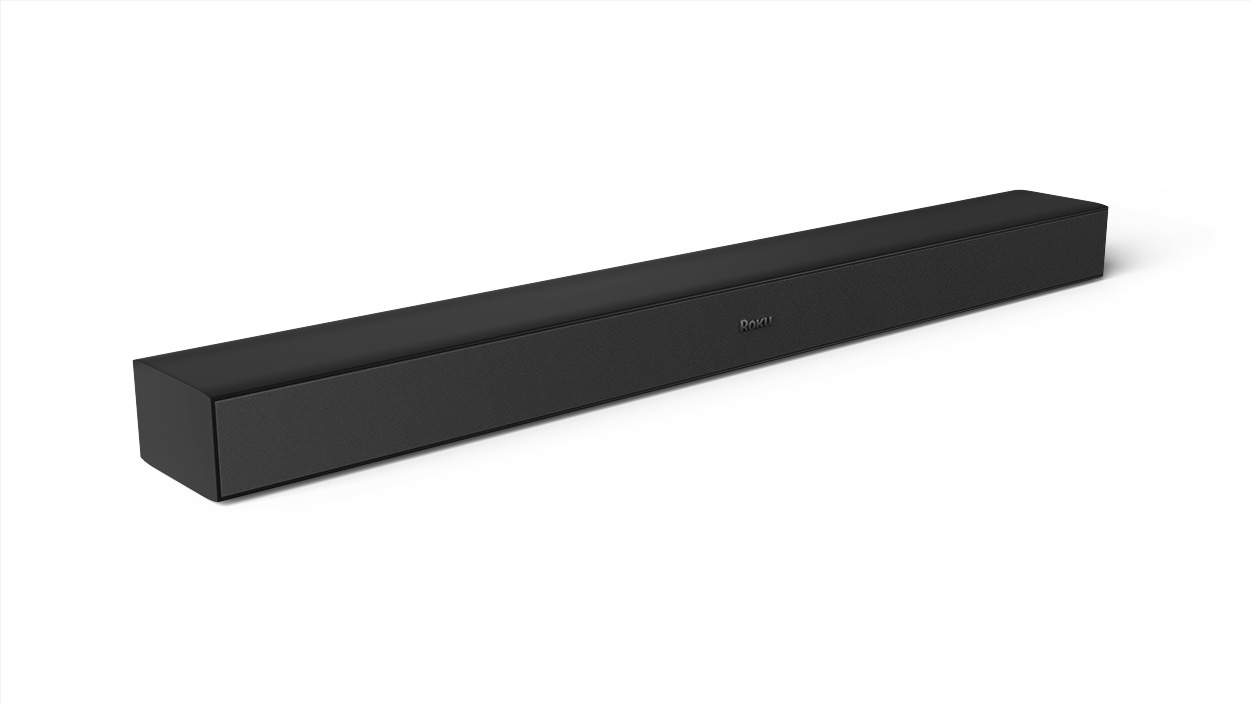
What can I connect the Roku TV Wireless Soundbar to?
- The soundbar works only with the Roku TV.
- It does not work with other TVs, Roku players, or Roku Streaming Sticks®.
What you need for setup
- Power: Use a nearby wall outlet or an extension cord.
- Internet: Make sure your TV is connected to the Internet. For help learn how to connect your TV to Wi-Fi.
- Roku remote: You'll need this to pair the soundbar.
- Roku OS 10.0 or higher: Check your software version in Settings > System > System update.
How to pair your soundbar
- Plug in your soundbar and listen for instructions.
- On your Roku remote, press and hold Home for 5 seconds.
- Select Wireless Soundbar to start pairing.
- You can also go to Settings > Remotes & devices > Set up a new device.

Note: Once you set up the soundbar, your TV’s built-in speakers will turn off.
Best placement for your soundbar
- Center it under your TV.
- Avoid sound reflection by placing it flush with the edge of a table or stand to prevent sound bouncing off surfaces.
- Don’t enclose it and avoid putting it inside a cabinet.
- Don't obstruct it by keeping the area in front of the soundbar clear.
- Mount it if you don't have the ideal surface to place the soundbar. Use the included mounting hardware and refer to our mounting guide for help.
Fast TV Start
After you have paired the streambar, Fast TV Start is enabled. This lets you:
- Play music with the TV screen off.
- Use voice commands to wake your TV, listen to music and podcasts, and more.
- Stream Bluetooth audio with the screen off.
Note: Fast TV Start uses more power but can be turned off in Settings.
Using your soundbar
- Watch TV or movies for immersive sound.
- Use a Roku voice remote to play music, podcasts, or radio on apps like Spotify or Pandora.
- Connect your phone, tablet, or computer via Bluetooth to play audio.
- Fine-tune your listening experience by adjusting sound settings.
Enjoy your upgraded sound experience!
Troubleshooting
Wireless soundbar not found?
- If your TV is connected to the Internet with an Ethernet cable, temporarily disconnect it and use Wi-Fi for pairing. Once paired, you can reconnect the Ethernet cable.
Pairing issues?
Check the Quick Start Guide or read more about resolving pairing issues.
Last updated at 3/3/2026 2:17:16 AM
Was this article helpful?
Related articles
Need more help?
