What to do if the red light is flashing, or you see a "low-power" warning
Your Roku player (Streaming Stick, Stick Plus, Stick 4K, or Express) can be USB powered via the TV’s USB port. But sometimes the TV’s USB port doesn’t supply enough power. When that happens, your Roku player can act strangely, crash, or show warning signs.
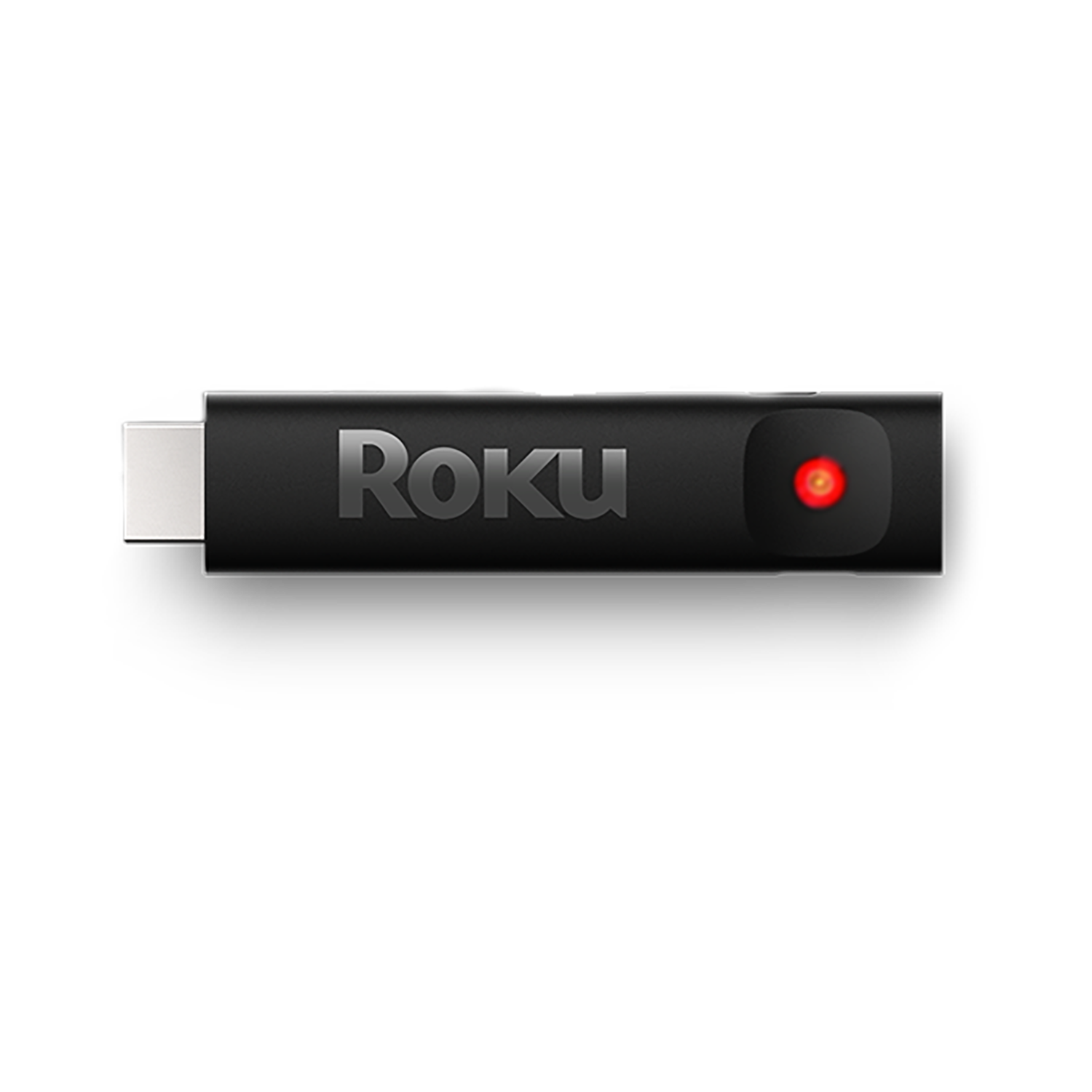
Here are ways your Roku player warns you about low power:
- Flashing red light: means not enough power
- On-screen “low power” or “insufficient power” message: your Roku player is telling you it can’t get enough power from the TV through the USB port

Note: If the red light is solid (not blinking), that usually means it is overheating. Unplug it and let it cool down. See this page for help.
What you can do
1. Restart your Roku device
Unplug it for 10 seconds, then plug back in. This sometimes resets the power draw.
2. Use the Roku USB cable
Make sure you're using the cable that came with your Roku device. Some cables can’t carry enough current, which causes the low-power issue. If you switched cables earlier, switch back. You can also purchase a replacement from the Accessories Store.3. Try a different USB port on your TV
If your TV has more than one USB port, plug the Roku’s cable into a different port. Some ports provide more power than others. Some older ports (USB 2.0) may struggle to supply enough.
4. Plug the power into a wall outlet instead of the TV USB
This is the most reliable solution. Use the player’s USB cable and its USB power adapter, and plug into a wall outlet. That gives a steadier, stronger power source.
Why this helps:
- Your Roku player won’t depend on the TV’s USB power (which can fluctuate).
- It can stay powered even when you turn off the TV, so it boots faster.
5. If you don’t have a power adapter
If your Roku device didn’t come with a USB power adapter (or you lost it), use one that matches the required specs: 5V and 1A (5 volts, 1 amp) or equivalent. Using one that gives less power often causes problems.
Extra Tips & Troubleshooting
- Avoid long, low-quality USB extension cables as they may drop the voltage too much over distance.
- If the problem keeps coming back, even when plugged into a wall, the Roku device or its USB port might be damaged. Contact Roku support.
Last updated at 2/25/2026 3:21:52 AM
Was this article helpful?
Related articles
Need more help?
