Why won't my Roku streaming device connect to Wi-Fi?
If you are having trouble connecting to the Internet on your Roku® streaming player or Roku TV™, this article will guide you through fixing any issues.
Fix common Internet issues
- Check your Wi-Fi and password: Make sure you’re connected to the correct network and have the right password. If you are unsure, contact the person who set up the network.
- Test with a different device: Try connecting a phone, tablet, or laptop to the same Wi-Fi network. If it doesn’t work, contact your Internet provider.
- Restart your Roku device:
- On the Home Screen go to Settings > System > Power > System Restart
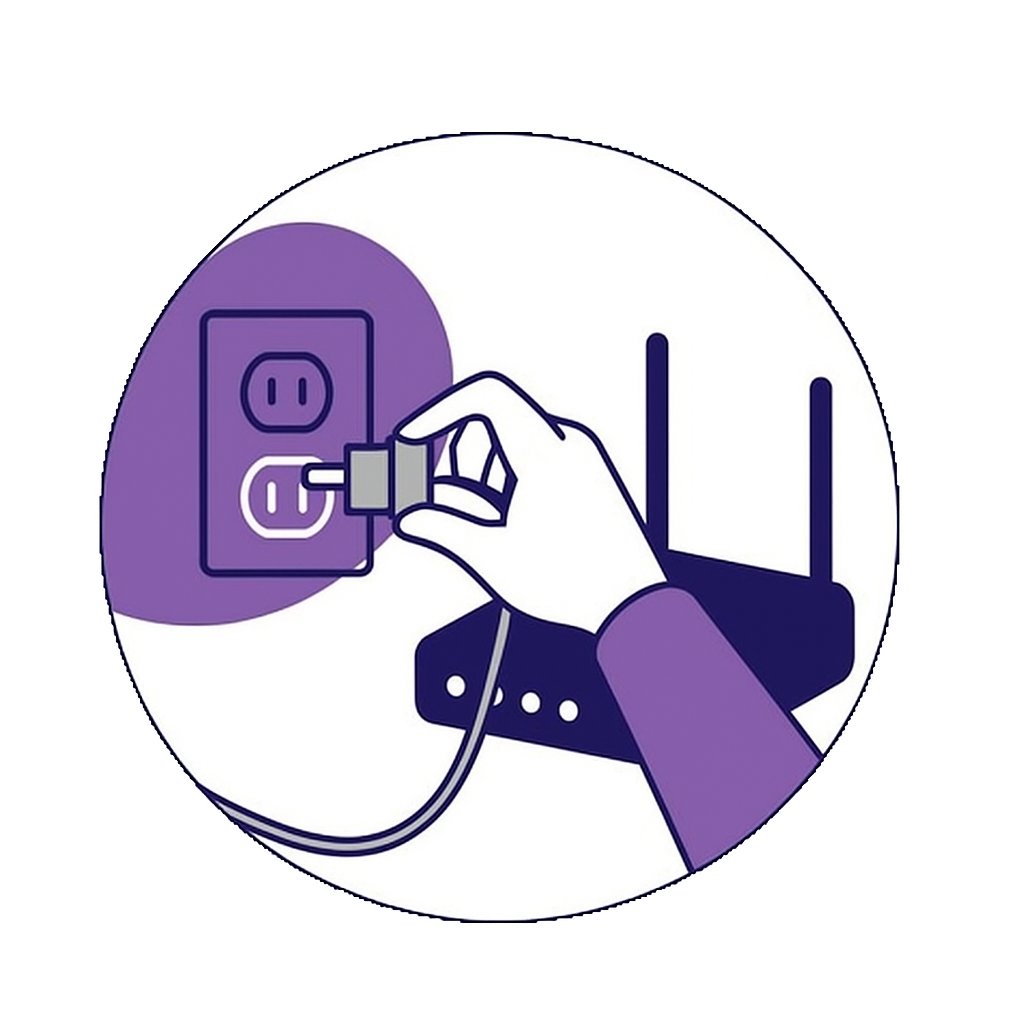
- You can also unplug your device, wait 10 seconds, and plug it back in
- Restart your router and modem:
- Unplug both from power. Note that you may have one device called a gateway. If so, unplug that device from power.
- Wait 10 seconds
- Plug the router and modem or gateway back in and wait for them to restart. If the networking device did not restart, please reach out to your ISP or the manufacturer for information on how to restart your device.
How to fix connection error codes
| Issue | Error Code | Recommended Action |
|---|---|---|
| Wrong password | 14.40, 14.41, 14, 014 | Check that your Wi-Fi password is correct and try again. |
| Weak Wi-Fi signal | 14.20, 14.62, 14.64, 016, 017 | Move your Roku device closer to your router. Restart your router and Roku device. |
| Ethernet cable issues | 012, 013 | Unplug the Ethernet cable, wait 10 seconds, then plug it back in. Try a different cable or use Wi-Fi. |
| Slow internet | 018 | Move your Roku player closer to your router. Restart your modem and router. |
| Can’t connect to internet | 009, 14, 14.10, 14.11, 14.30, 14.50, 14.62, 14.64 | Use the tips above to fix common internet issues and reconnect. |
| Can't update | 003 | Move your Roku device closer to your router. Restart your router and Roku device. Contact your Internet provider. |
Common error messages
- Unable to connect to wireless network - This can occur during setup. Follow the on-screen connection suggestions and try again.
- Checking wireless connection - If you see a red X after entering your Wi-Fi information, it means the connection was unsuccessful. Restart your player or TV and modem and router.
- Not connected to the Internet - This error occurs when your Roku player or TV has lost connection with an app. Streaming apps need a strong Internet connection to work well.
Advanced network troubleshooting
If these steps didn't help you connect your Roku device to Wi-Fi, you can also contact your Internet service provider for help.
Related articles
Last updated at 2/13/2026 4:59:14 AM
Was this article helpful?
Related articles
Need more help?
