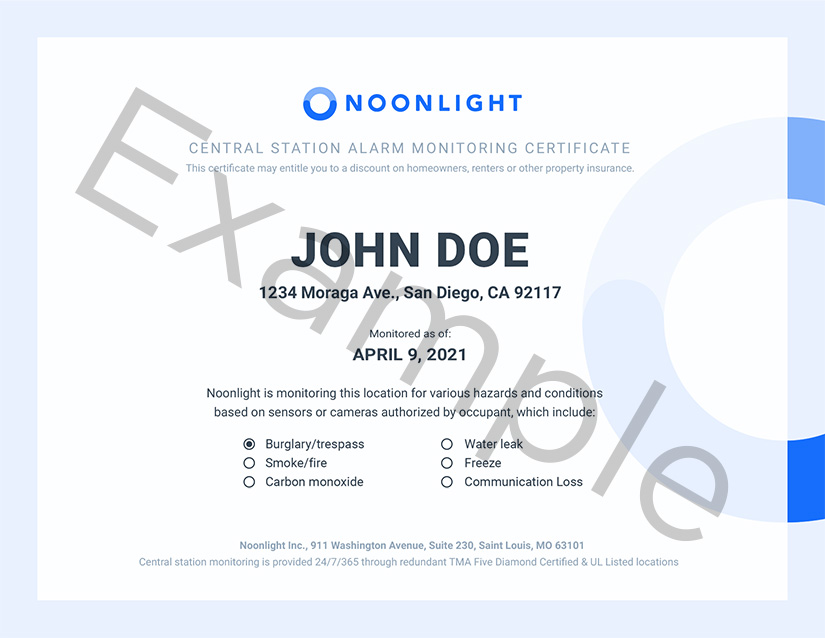
If you have a Pro Monitoring subscription powered by Noonlight, you may qualify for a discount with your home insurance provider. If your insurance company requires proof, you can request a monitoring certificate in the Roku Smart Home mobile app. Contact your insurance agent to learn more about discounts.
How to download your monitoring certificate
Perform the following steps in the Roku Smart Home mobile app to request a monitoring certificate.
- Tap Monitoring
 from the navigation bar
 - Tap Home Monitoring Settings
- Tap Monitoring Certificate
- Enter the email associated with your Roku account
- Tap Send Certificate
You will receive an email from Roku with a link to download your monitoring certificate.

Note: After 48 hours the download link will expire and you will need to perform the steps again to receive a new link.
Last updated at 6/26/2026 8:28:03 PM
Was this article helpful?
Related articles
Need more help?
