After you set up your Roku® Home Monitoring System SE, you can expand the starter kit by adding additional home monitoring accessories such as a Roku Entry Sensor, Roku Keypad, or Roku Motion Sensor. The stress-free setup in the Roku Smart Home Mobile app makes it easy to increase control over your home.
How to add an entry sensor
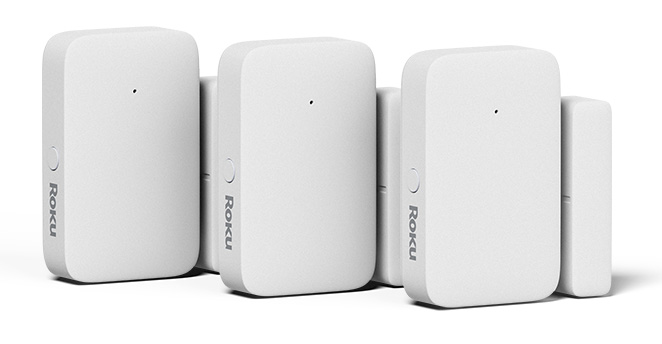
Perform the following steps in the smart home mobile app to add an additional entry sensor.
- Tap the plus sign
 from the navigation bar and select Add Device
 - Select Home monitoring and then choose Entry Sensor
Follow the instructions in the app to pair and mount your entry sensor and watch the tutorial videos below for door and window mounting.
Window mounting video
Door mounting video
How to add a keypad
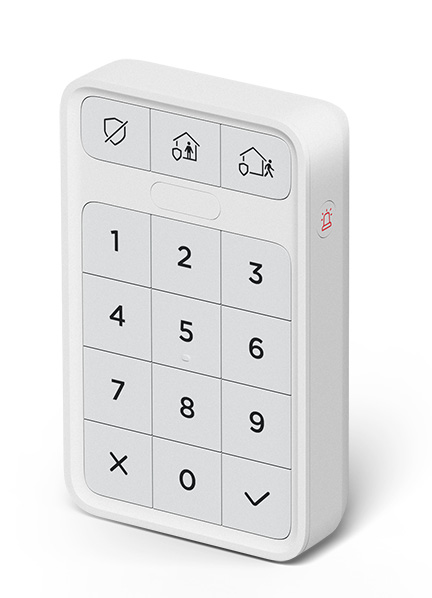
Perform the following steps in the smart home mobile app to add an additional keypad.
- Tap the plus sign from the navigation bar and select Add Device
- Select Home monitoring and then choose Keypad
Follow the instructions in the app to pair and mount your keypad and watch the tutorial video below for keypad mounting.
Keypad mounting video
How to add a motion sensor
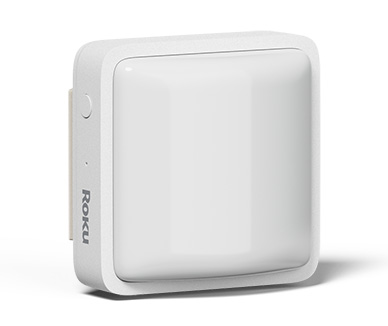
Perform the following steps in the smart home mobile app to add an additional motion sensor.
- Tap the plus sign from the navigation bar and select Add Device
- Select Home monitoring and then choose Motion Sensor
Follow the instructions in the app to pair and mount your motion sensor and watch the tutorial video below for motion sensor mounting.
Motion sensor mounting video
Last updated at 6/26/2026 7:20:05 PM
Was this article helpful?
Related articles
Need more help?
